Finally . . . a social media scheduler teams and agencies actually like
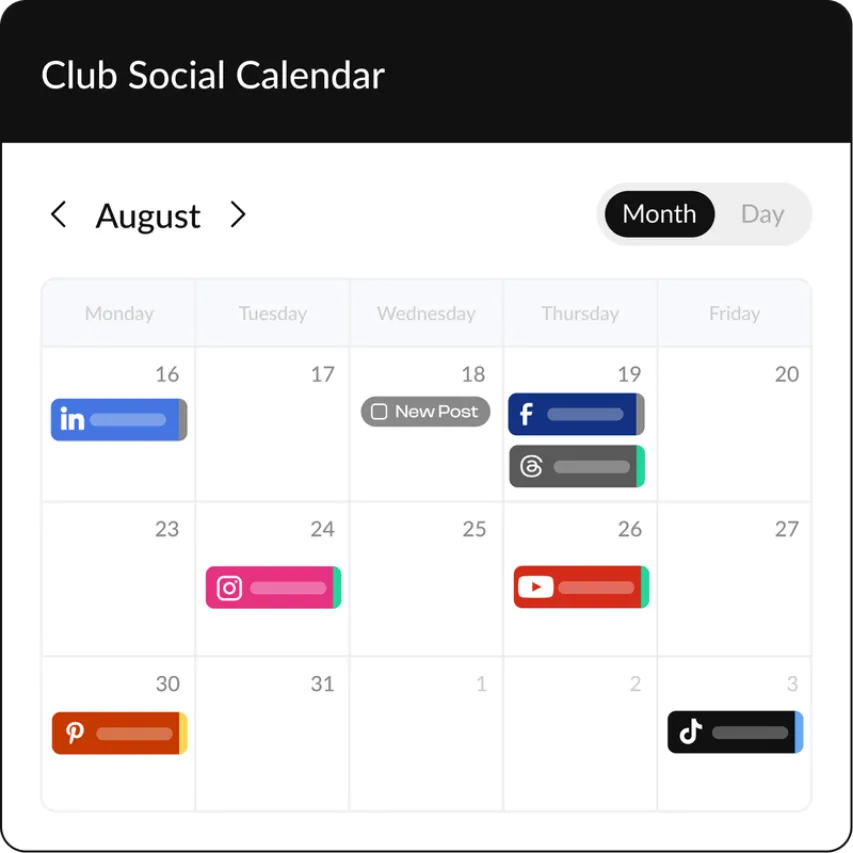
Plan, schedule, approve, and publish social media content without bouncing between tabs or chasing feedback.
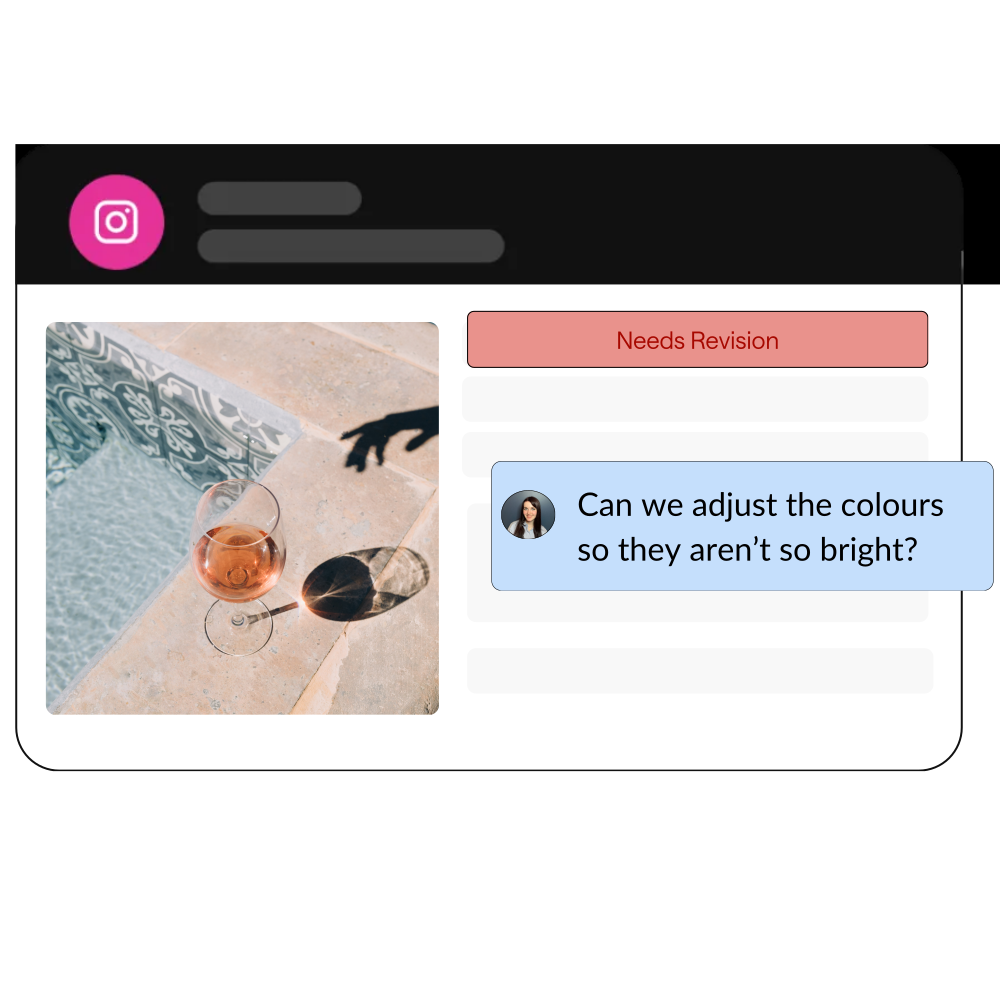
HeyOrca's social media scheduling tool keeps your team (and your clients) on the same page.
.webp)


.avif)
The social media scheduler that fits your workflow

For the agency juggling a dozen calendars
Keep every client organized in their own workspace so you never have to wonder, "Wait . . . whose post is this?"

For the team that loves to collaborate
Draft, review, approve, and schedule content together with unlimited users!
For brands with a lot going on
Manage multiple locations, business units, or product lines while keeping every workspace organized.
What is a social media scheduler?
A social media scheduler helps you plan and publish posts across multiple platforms from one place. Instead of juggling logins, spreadsheets, and last-minute reminders, you can organize your content calendar, collaborate with your team, and schedule posts ahead of time.
How HeyOrca's social media scheduling tool works
Go on, invite your entire team! With HeyOrca, you can work together to bring
your social media content strategy to life – without paying extra for every user.



Why do [heyorca-users-count]
social media marketers LOVE HeyOrca?

Get personalized support in 5 minutes
or less
Enjoy best-in-class support on every HeyOrca plan. As a HeyOrca user, you’ll have direct access to our team of friendly, knowledgeable (and 100% human!) support specialists.
Set up a free onboarding or training call, start a live chat, or send us an email. We’re here to make your HeyOrca experience smooth sailing.
Frequently asked questions
Are social media planners worth it?
Yes! A social media planner can help you stay organized, plan content ahead of time, and keep your publishing schedule consistent.
Does Canva have a social media scheduler?
Canva doesn’t have a full social media scheduler built for team collaboration and approvals. However, Canva integrates with HeyOrca, so you can create your designs in Canva and add them directly to your HeyOrca content calendar without switching between tools.
Do scheduled posts get less views?
No. Using a social media scheduler can actually help you post more consistently, plan around the best times to reach your community, and spend more time creating content that sparks conversations.
What is the best scheduling tool for social media?
The best social media scheduling tool depends on your team’s workflow, goals, and the platforms you manage. For social media teams and agencies, HeyOrca brings scheduling, collaboration, reporting, and community management together in one place – with unlimited users included.
What does a social media scheduler do?
Instead of manually posting every piece of content, a social media scheduler helps you plan, organize, and publish content across multiple social platforms from one place.
Is there a social media scheduler that has unlimited users?
Yes! Every paid HeyOrca plan includes unlimited users, so your entire team and clients can collaborate without worrying about extra user fees.